
Assistant
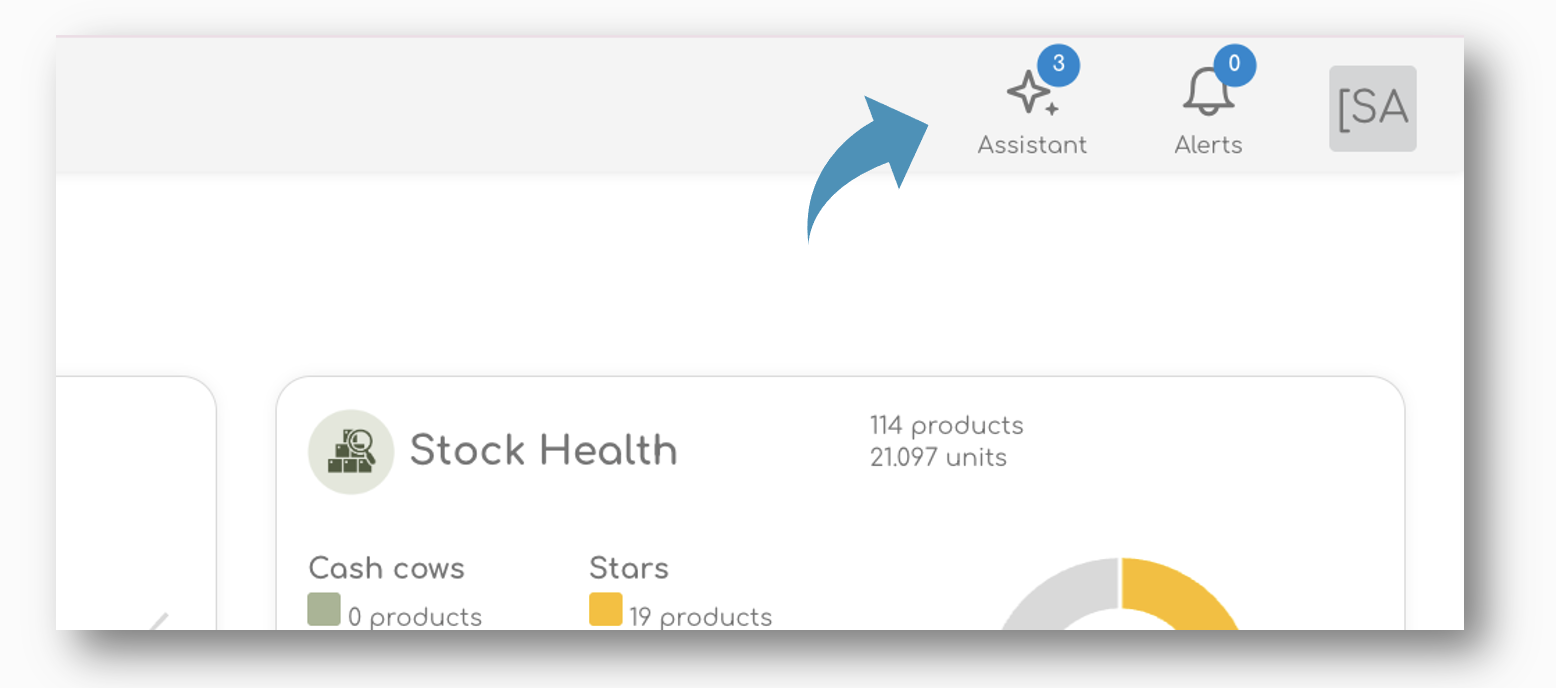
On top of the page, you will find a number of support icons. One of these is the 'Assistant', your own personal Buying Assistant that will help you make sure you never run out of stock, order in time, and increase your sales.
Insights & Recommendations
The new Assistant works as personal buying assistant and will keep and eye out for items that are running low on stock, items that are out of stock, or items that need reordering in the future.
The first section of the Assistant will show you the urgent actions that need your attention. Here you will find order recommendations, alerts about stock outs and potential lost sales.
Urgent Actions Required
Basically, we divide between 'Immediate' reorder alerts, and between a scheduled re-ordering. This schedule is based on your suppliers' lead time, your stock cover and the sales forecast.
Order Immediately
Together with the order recommendations, we also calculate your potential lost sales, in case you don't reorder in time. This lost sales is based on the sales forecast, your current stock position, and the weekly sales you might loose if you don't replenish in time.
As shown in the example above, there is a potential lost sales of £ 8.946 per week, if these items are not reordered in time.

Order Within Two Weeks
The second alert will give you a heads up when to order next.

When items run out of stock, the system will understand the intended sales for the item and from there, we will calculate your Lost Sales. in the example above, the missed sales of the 154 items represents £ 3.599 per week.
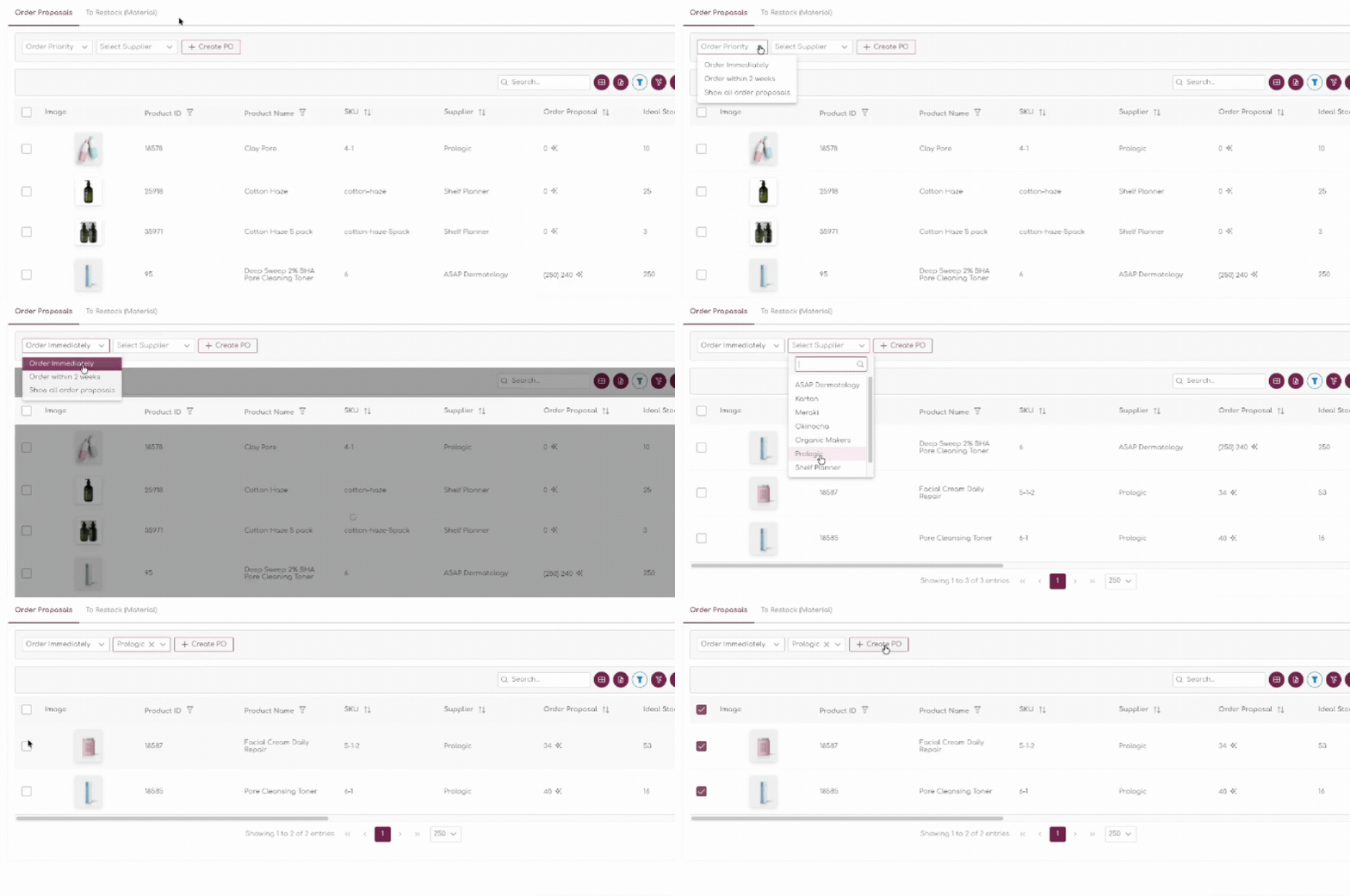
Following the link will bring you to the Purchase Order Page, where you can filter the Order Proposals based on their urgency:
Tracking PO Status
The Assistant will also track the status of you PO's and will let you know when stock is intended to arrive in your warehouse. Keeping your stock up to date is critical for the system to work well.
For the PO's we differentiate between two alert - PO's that are incoming and that will be delivered within the next week:

The second alert will inform you when items are delayed, or when they pass their expected time of arrival:

To Do List
The To Do Section will inform you about actions you might want to take to improve the overall performance of your store.