
How to disable the 2-way sync
Shelf Planner uses a so called 2-way sync between your store and the app for stock quantities. This is to make sure you always have the latest stock quantity when making purchase order decisions.
If you want to disable the two way sync, you can do this on the Replenishment Settings page in the Procurement section:
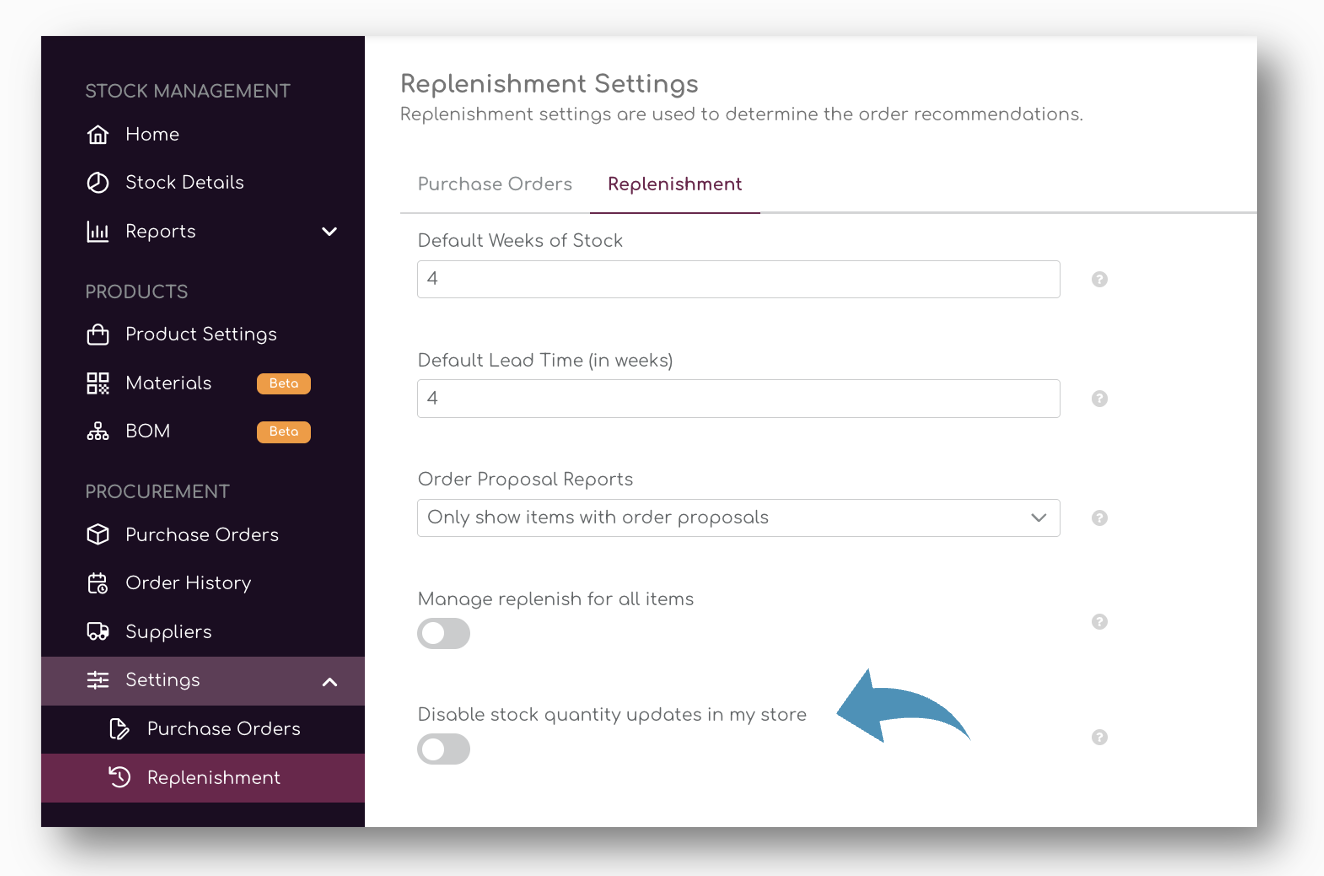
If you don't wan to update store stock from Shelf Planner back to your store, you can tick the button to disable the synchronization:
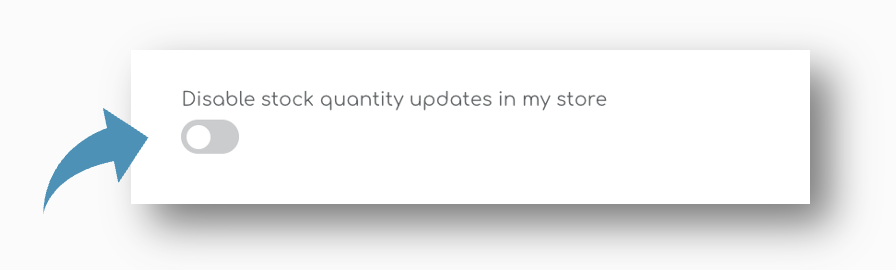
When the tick box is activated, Shelf Planner will no longer update changes to stock quantities in your store.